Compare packs
Native PBR vs SPBR
Both keep the vanilla art. SPBR adds PBR at 16x; Native PBR goes to 4K materials with stronger POM depth for ray tracing.
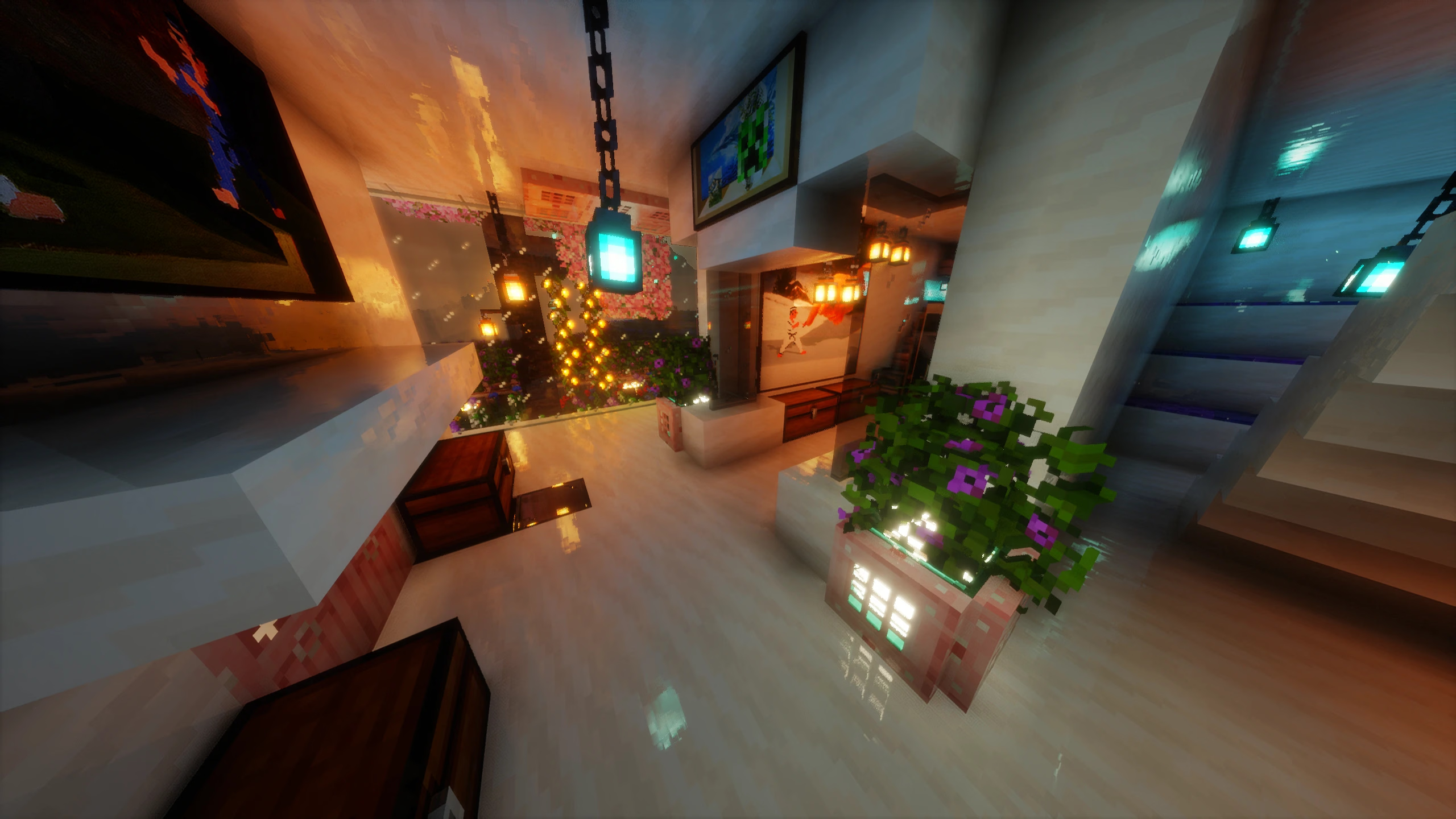
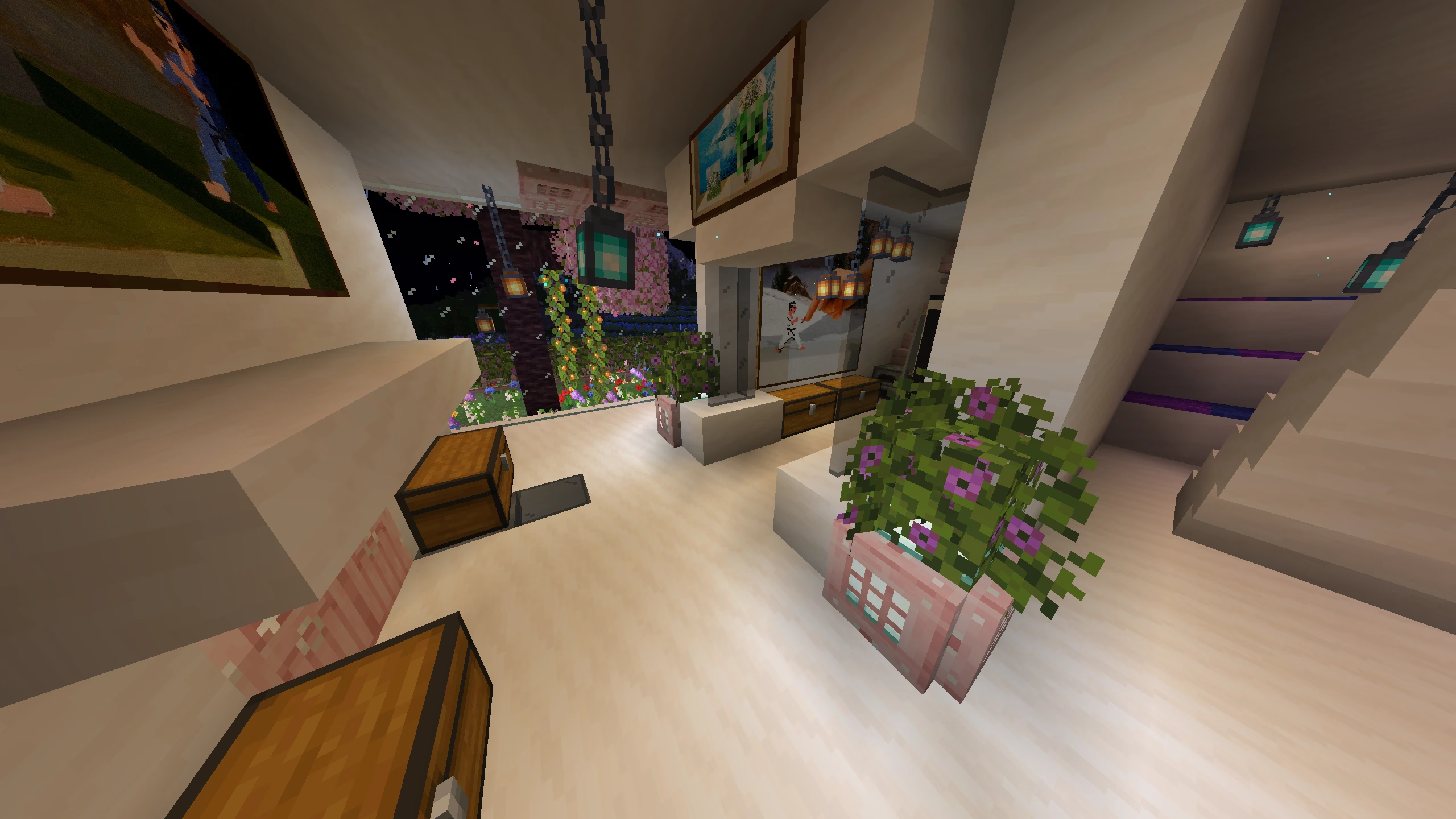
⇔
VanillaRTXHover or drag to compare| Native PBR | SPBR | |
|---|---|---|
| Resolution | 4K, ~20 MB download | Varies by version |
| Art style | Vanilla Plus – original Minecraft art | Vanilla 16x with PBR, open source |
| PBR maps | Full LabPBR on every block | Yes, in its own style |
| POM depth | Yes, on every block | Yes, in its own style |
| Access | Patreon members | Official page (link below) |
See SPBR on CurseForge · Credit: SPBR belongs to its creators.
Which one should you pick?
Native PBR: You want real light, reflections and depth while blocks still look like vanilla Minecraft.
SPBR: You want free, open-source PBR at the original 16x resolution.
Get Native PBR & Geometric RTX
Pack, presets and early updates on Patreon.
Support on PatreonNative PBR vs other texture packs · Install guide
© 2026 NWN STUDIO Full PBR & POM Texture Pack · Ray tracing on every block · Not affiliated with Mojang.